
Bring your people together.
Import your Rent Manager or spreadsheet roster. Organize contacts by property and keep past residents disabled, with their history intact.
From the everyday update to the message that can’t wait.
Bring your property’s texts, calls, and replies together in TenantReach.
Explore the workflow before enabling live delivery.
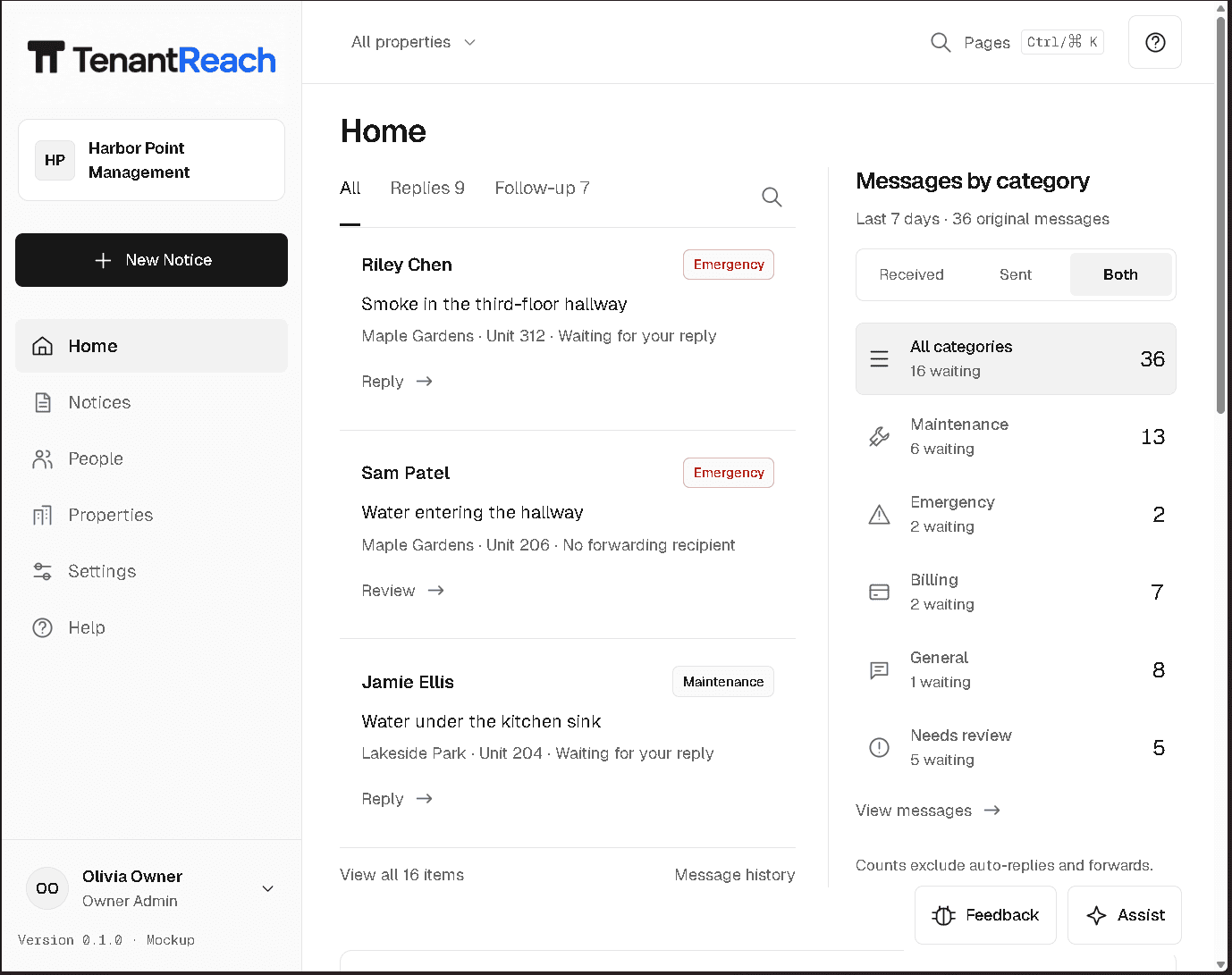
A clear path from your contact list to their next update. Built around the work property teams do every day.
Import your Rent Manager or spreadsheet roster. Organize contacts by property and keep past residents disabled, with their history intact.
Draft your notice in English, preview the Spanish translation, and choose text, voice, or both. Review the audience before you send.
Schedule routine updates or send a notice now. Follow delivery history and manage replies without losing the original message.
Write an update, preview it in Spanish, and hear how it sounds. Then walk through a simulated send.
This is a simulation. No resident is contacted, and no account is needed to try it.
Public demo
Spanish preview
Waiting for translationClick Translate when the English notice is ready.
Spanish will be generated after you click Translate to Spanish.
Quiet hours safe
Write the notice, translate it once, then preview both voices.
Good communication starts with knowing who you’re reaching—and what happens next.
Explore the Help CenterOpt-outs, STOP handling, and no-call or no-text states remain part of the send workflow.
Your organization’s contacts, team permissions, branding, and billing stay scoped to your workspace.
Delivery history, reply threads, and support tickets give your team somewhere to turn when a notice needs follow-up.
Start with the size of your operation. Adjust as your communities and communication needs grow.
For smaller operators who mainly need urgent resident communication in one region.
$149.00 / month
3 properties · 1,500 contacts
7,500 SMS segments
For owner groups running multiple parks and wanting predictable monthly operations.
$349.00 / month
12 properties · 7,500 contacts
15,000 SMS segments
For regional portfolios that need stronger governance, larger usage pools, and admin support.
$899.00 / month
40 properties · 25,000 contacts
60,000 SMS segments
Need a different fit? Compare all options
Use text, voice, or both for maintenance updates, inspections, rent reminders, urgent property notices, and everyday community news.
No. Start with the English notice and generate a Spanish version automatically. Review the translation and preview the voice before sending.
Yes. Simple mode keeps the audience, message, and send decision in focus. Additional options are available when your team needs them.
No. Setup and rehearsal stay separate from live launch. Your team can review the workflow before provider delivery is enabled. The public demo is simulated and does not contact residents.
Yes. Organize contacts and notices by property within your workspace. Choose a plan that fits your portfolio, with workspace permissions and contact preferences carried through the workflow.
Give your team a calmer way to keep residents informed.
Start beta setup